
For an agency where several people triage replies from many sending accounts, start the evaluation with Smartlead Master Inbox: its help center documents direct lead assignment to a teammate and an “assigned to me” queue. Saleshandy has the clearest published team-price threshold: its Pro plan supports ten users and a unified inbox at $99 month to month. lemlist is worth a look when the same staff handle email and LinkedIn conversations. Instantly Unibox is a good fit for a team already sending there, provided its team-member and CRM plan boundaries match how the agency wants to assign leads.
None is necessary merely because you have several mailboxes. One owner checking a small, known set of replies may be better served by the sending platform already in use. The purchase becomes useful when replies lack a named owner, client context gets mixed, or an absent teammate leaves an interested prospect unanswered. If your concern is granting a client access to their own Smartlead workspace, use the client-access setup guide; that is an access decision, not this team's daily reply queue.
Evidence and disclosure (reviewed October 22, 2026): We read each vendor's current public product, pricing and help pages and captured its public website. We did not log into a private workspace, send campaigns, measure response times or verify AI classification accuracy. Website images show marketing pages, not our use of the products. OutboundXYZ has affiliate relationships with Instantly and Smartlead. Their placement here follows the documented team workflow, and the non-affiliate options remain in the comparison. All external vendor links below go directly to official sites; prices are public USD list prices before tax.
Reply inboxes compared for a three-person agency team
| Tool | Best fit | Published price and billing basis | Relevant team/reply limit | Main drawback | Official evidence |
|---|---|---|---|---|---|
| Smartlead Master Inbox | Directly assigning a lead to a teammate inside a cold-email queue | Base $39/month; Pro $94/month; annual billing saves 17%; client workspaces start on Pro, with whitelabeling at $29/month per workspace | Team-member assignment is documented; confirm role and client-workspace entitlement for the chosen plan before paying | The public price page does not tie every assignment permission to a plan; client workspaces and branding add cost | Pricing, assignment |
| Saleshandy Unified Inbox | A team wanting a stated 10-seat plan and reply tracking across ESPs | Pro $99/month, or $76/month equivalent billed $912 annually | Pro lists 10 users, unlimited connected email accounts and 100,000 sends/month; Starter is one user | Pro is the practical team baseline, even though the $41/month Starter has an inbox | Pricing, inbox |
| lemlist Unified Inbox | One team working both email and LinkedIn replies | Email plan displays $69/month or $55/month equivalent with yearly billing; verify the checkout term | Site describes shared conversations and tasks; only lemlist-initiated threads appear; public pricing says unlimited senders, while its inbox page caps connected addresses at up to 15 per user by plan | Not an all-mailbox archive; email-address allowance depends on plan | Pricing, inbox help |
| Instantly Unibox | Existing Instantly operators who want one view across connected senders | Outreach Hypergrowth $97/month is the lowest public Outreach tier with team invitations; qualifying CRM plans are another route | CRM dashboard supports lead-owner assignment; Unibox team access requires a higher/other plan | Verify seats, roles and any CRM/workspace charges in the actual account before quoting a team total | Pricing, team plans |
These plans do not buy the same unit. Smartlead and Instantly price sending tiers with inbox features attached; Saleshandy states a team-size boundary; lemlist bundles a broader multichannel workflow. Mailbox hosting, domains, lead data and optional AI add-ons can add cost. A low solo-plan price is not evidence that three operators can all work a client queue at that price.
Our selection method
We selected outbound platforms whose public documentation describes both centralized replies and a plausible team workflow. We compared five observable parts of that workflow: whether replies from connected senders appear together; whether a teammate can be named as owner; whether client or workspace boundaries remain intelligible; which replies the system may miss; and which plan allows several staff to act. We favored a documented manual process over unverified claims of faster replies or more meetings. AI labels may help triage, but the agent still needs a human escalation rule for unsubscribe, legal, angry or ambiguous replies.
The strongest existing OutboundXYZ comparison, the cold-email software hub, evaluates sending platforms more broadly. This article is about what happens after a prospect answers. The Instantly-to-HubSpot reply handoff guide covers a separate downstream sync; a CRM contact does not prove the reply was handled. A public homepage capture is only evidence that a vendor has a visible website, so product claims below link to primary help documentation where possible.
Jan's July 2024 agency-operations video argued for mapping delivery and giving team members clear processes before handing work over. That is a historical process lesson, not a test of these four inboxes. For a reply queue it translates to a simple rule: a tool can display and assign a reply, but the agency must decide who owns it, when it is escalated and when it is complete. His June 2023 campaign video also separates total replies from useful downstream outcomes; buying an inbox cannot substitute for measuring positive replies and meetings.
Smartlead: strongest documented direct assignment
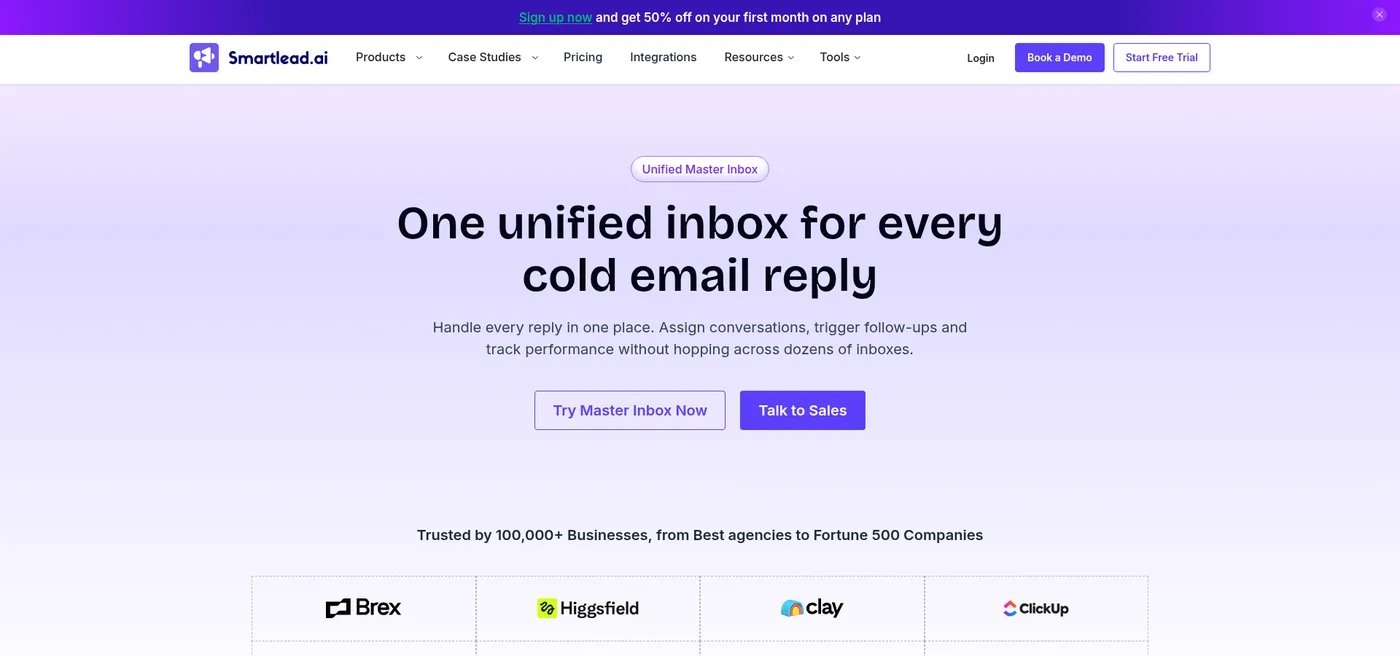
Smartlead public Master Inbox page, October 22, 2026; upper-page crop.
Smartlead's team-member assignment guide shows a concrete path: open a lead in Master Inbox, choose Assign to, select a colleague, and the lead appears under Assigned to me in that colleague's account. Its lead-categories guide describes statuses such as requested information and out of office, which can also trigger subsequences. For an agency, that is better evidence of a working handoff than a page that merely says “unified inbox.”
Smartlead's pricing FAQ lists Base $39/month and Pro $94/month on monthly billing, with 17% off annually. It says all plans allow unlimited connected email accounts. The same pricing FAQ says client workspaces can be added from Pro onward and whitelabeling costs $29/month per client workspace; neither account count nor the Pro label by itself settles every team role. Best for: a shared SDR/appointment-setting queue where named ownership is essential. Drawback: the public pricing page does not explicitly map the documented assignment permission to every plan or role. Budget at least the relevant Pro/client-workspace terms and verify a three-person, multi-client workflow in a trial before moving replies.
Saleshandy: clear team-price threshold
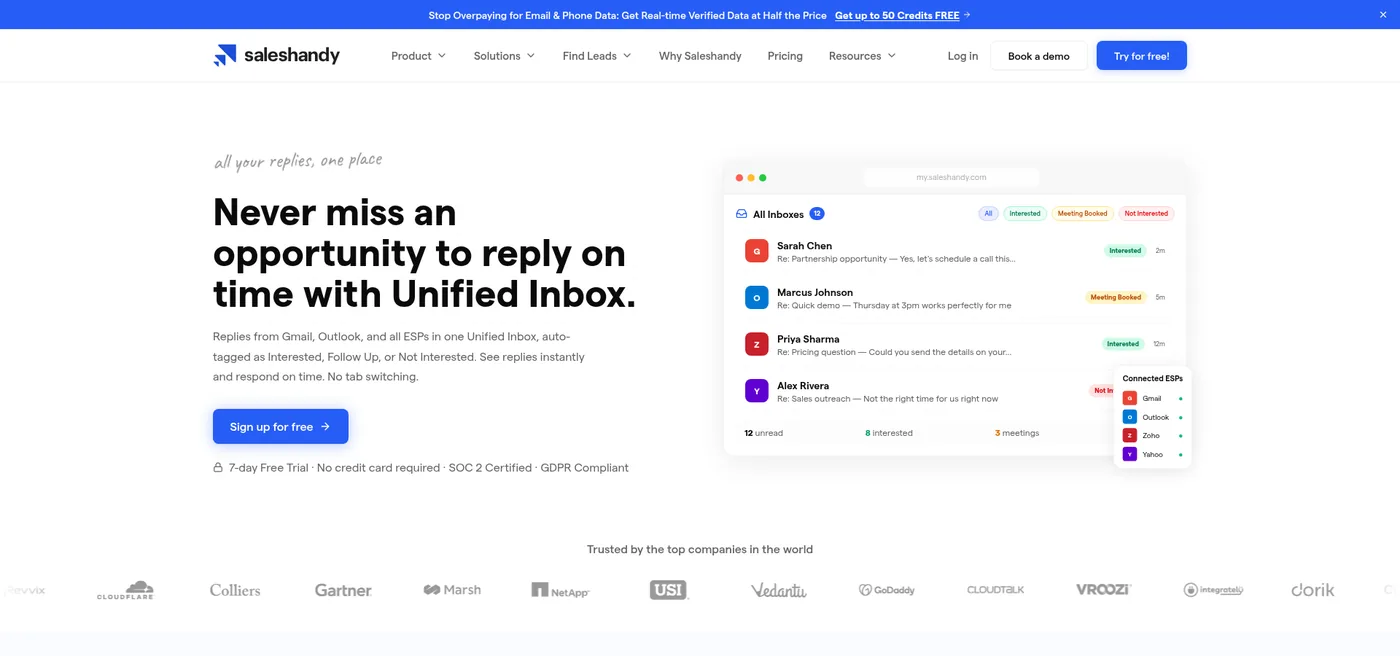
Saleshandy public Unified Inbox page, October 22, 2026; upper-page crop.
The Unified Inbox page says replies from connected Gmail, Outlook and other email providers appear together, with search and reply-status filters. Its September 2026 help update explains how it handles forwards, a different reply-to address, a new thread and CC participants—important edge cases when an agency promises not to miss a hand-raiser. This is documented behavior, not a measured capture rate.
Saleshandy's current pricing lists Starter at $41 month to month with one user and full inbox access; Pro at $99 month to month or $76/month equivalent on a $912 annual bill, with ten users. The price jump matters more than an “unlimited inbox” claim for a three-person operation. Best for: a team that values an explicit seat allowance and reply tracking. Drawback: choose the higher plan for collaboration and separately test whether the way it segments clients matches your contracts.
lemlist: shared context for multichannel teams
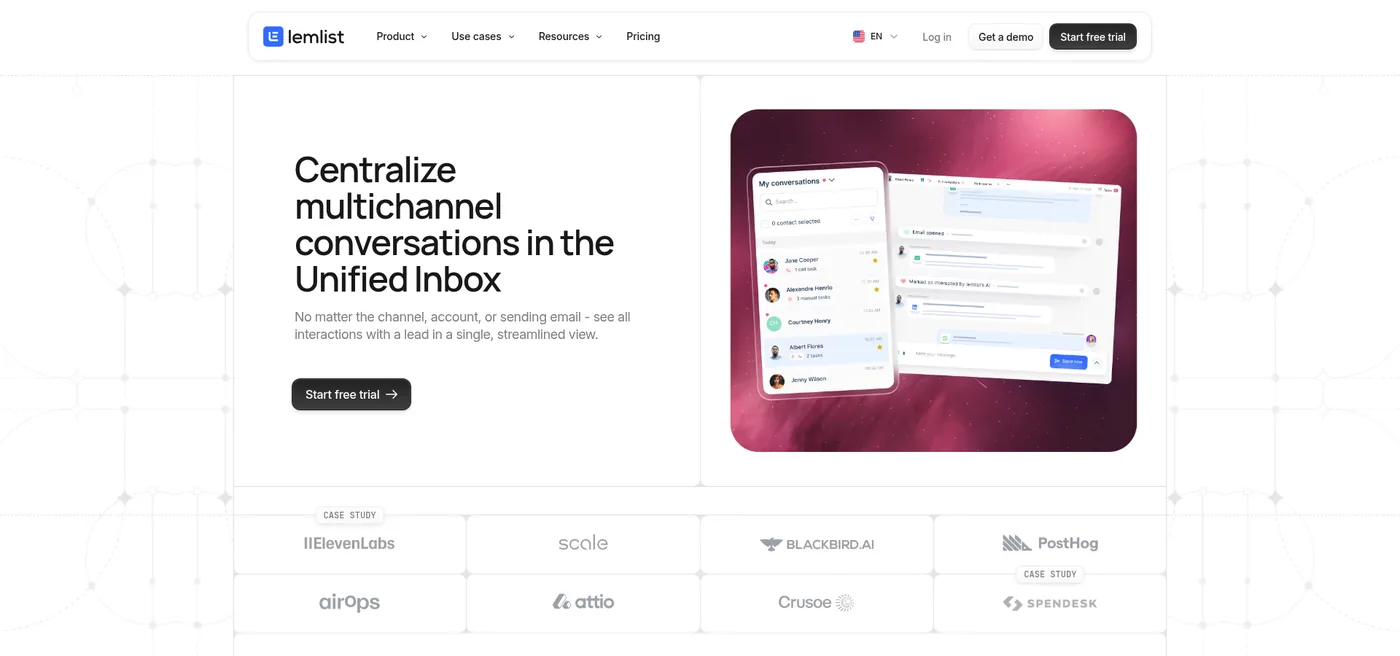
lemlist public Unified Inbox page, October 22, 2026; upper-page crop.
lemlist's inbox product page describes email and LinkedIn conversations in one view, teammate access, shared contact history and task assignment. Its inbox help includes a decisive boundary: the inbox shows conversations initially started in lemlist. It should not be bought as a general archive of every message arriving at a connected mailbox. The product FAQ says the Unified Inbox connects up to 15 email addresses per user, depending on plan. Verify the exact allowance for the plan and sender distribution you intend to buy.
The pricing page displayed an Email plan at $69/month, or $55/month equivalent on yearly billing with a 20% yearly discount, and says it includes unlimited users and email senders. That broad pricing phrase needs to be reconciled with the product FAQ's up-to-15-addresses-per-user inbox limit before procurement. Best for: the same operators coordinating email and LinkedIn conversations. Drawback: a conversation that begins outside lemlist can fall outside the documented inbox scope, and the plan-specific mailbox allowance remains to be confirmed.
Instantly: useful existing stack, plan the team boundary
Instantly public homepage, October 22, 2026; upper-page crop. This is a website image, not a private Unibox screenshot.
Instantly documents Unibox as the central view for replies from connected accounts, with a Primary folder for campaign/list leads and Others for non-leads. Its guide also names meaningful failure cases: a forwarding rule that removes the source message, an unconnected reply-to address, or a paused/disconnected sender can leave a reply out of Unibox. That is a useful pre-purchase checklist, not a reason to claim the other tools never miss replies.
The CRM dashboard guide describes lead-owner assignment. The team-member help says invitations are available on Hyper Growth or Light Speed Outbound, or qualifying CRM plans, and that a View/VA user can answer Unibox messages. Its pricing page displays Outreach Hypergrowth at $97/month on monthly billing, versus $47/month for the solo-oriented Growth entry tier. Hypergrowth is a documented starting tier for invitations, not a confirmed total bill for three operators across client workspaces. Best for: agencies already running campaigns in Instantly and willing to check the team/workspace package. Drawback: pricing layers and role boundaries need a real quote or trial verification before standardizing client operations.
The decision aid: one queue or several client queues?
Imagine three staff members, four clients and 30 connected sender accounts. Those counts are illustrative, not a safe sending-volume recommendation. One shared queue is affordable to buy but easy to mishandle if a reply from Client A gets attributed to Client B. Before migrating, run five test conversations using accounts you control:
- A normal interested reply. Can the first operator assign it to one owner without copying the client into another workspace?
- An out-of-office reply with a date. Does it land in the same queue, and who decides when to follow up?
- A reply forwarded by the prospect to a colleague. Does the new sender show as a lead or require manual reconciliation?
- A direct email to a connected mailbox outside the campaign thread. Is it shown, hidden in “Other,” or excluded?
- An unsubscribe or complaint. Can the owner apply suppression and stop the sequence before anyone sends another message?
Score each candidate on client isolation, named ownership, exception visibility, role permissions and the actual plan bill. Do not score it on vendor testimonials about reply speed. At today's listed month-to-month prices, a three-person team could start evaluating Saleshandy Pro at $99/month; Smartlead Pro is $94/month, but the exact assignment and workspace entitlement must be checked; lemlist Email is $69/month, subject to the mailbox and conversation-scope checks; and Instantly Hypergrowth starts at $97/month for Outreach team invitations, but its total three-person/client-workspace bill must still be checked. This is a price comparison of published plan labels, not proof that the plans deliver identical functions.
Whichever tool you select, keep a short SOP: every reply has a client, an owner, a next action and a due time; opt-outs are suppressed; an absent owner has a backup; and weekly reporting separates total replies from qualified conversations and meetings. The inbox is only useful when the handoff survives a busy Monday and a staff absence.