LinkedIn Content

Best LinkedIn content tools for people who actually publish.

This pillar covers writing systems, scheduling, analytics, repurposing, and creator-led sales workflows without pretending AI fixes a weak point of view.

6

reviews

3

workflow checks

3

buying tests

Shortlist

Real review pages, current pricing notes, and enough operator context to decide what deserves a trial.

How we score
Taplio logo

Taplio

LinkedIn Content
7.4Score

Best for creators and founder-led sales teams that want content workflow plus growth mechanics.

Use carefullyRead review
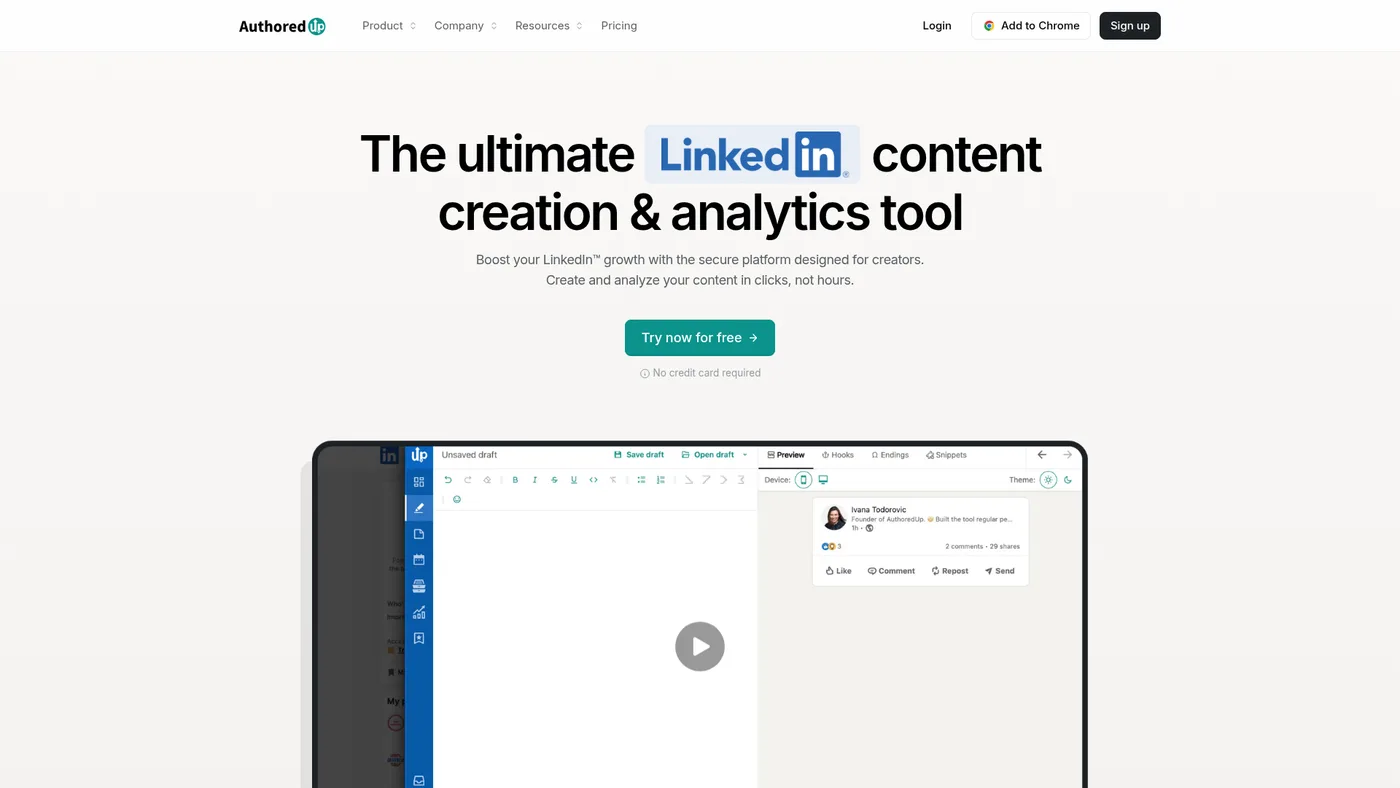
AuthoredUp logo

AuthoredUp

LinkedIn Content
8.1Score

Best for serious LinkedIn writers who already know what they want to say.

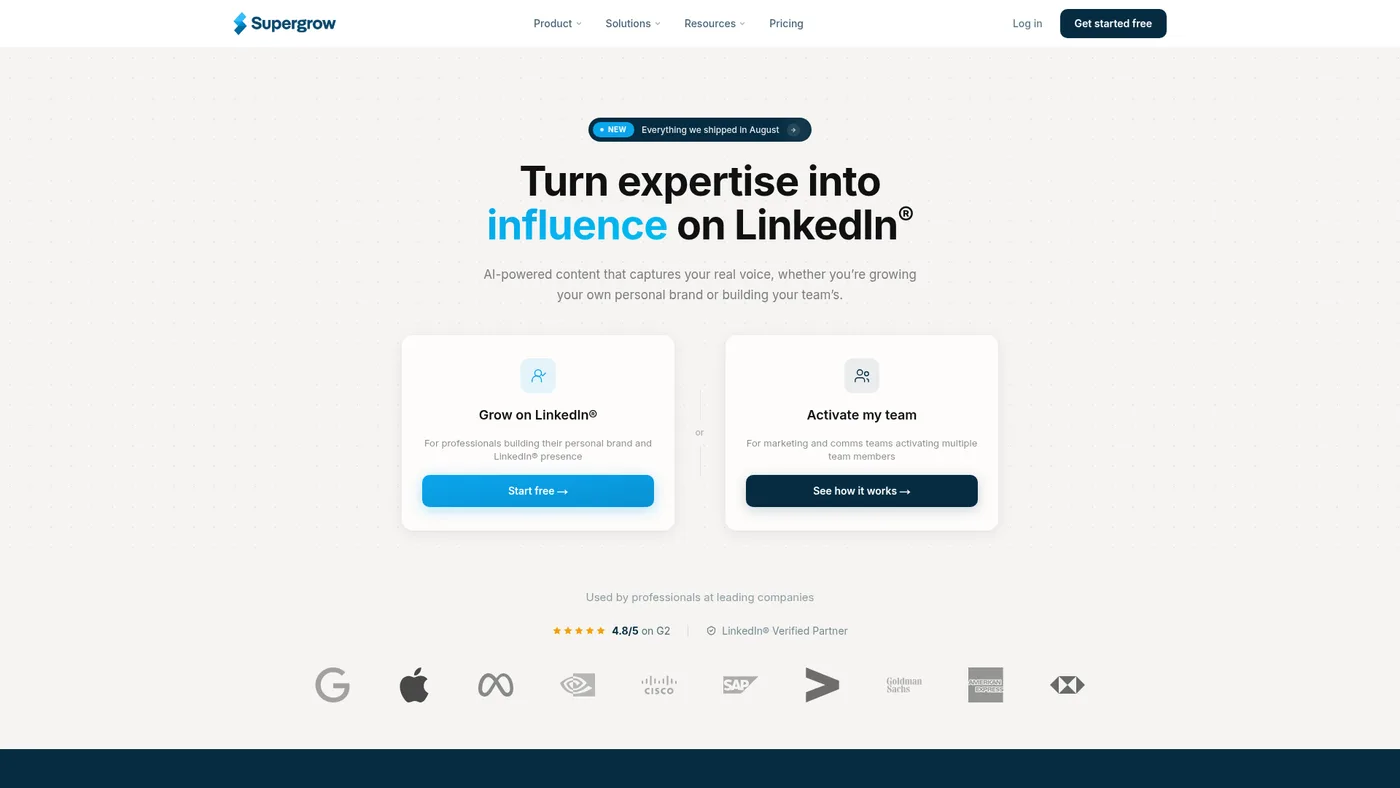
Supergrow logo

Supergrow

LinkedIn Content
8.2Score

Best for creators and exec-content teams that want affordable AI plus workflow structure.

Worth testingRead review
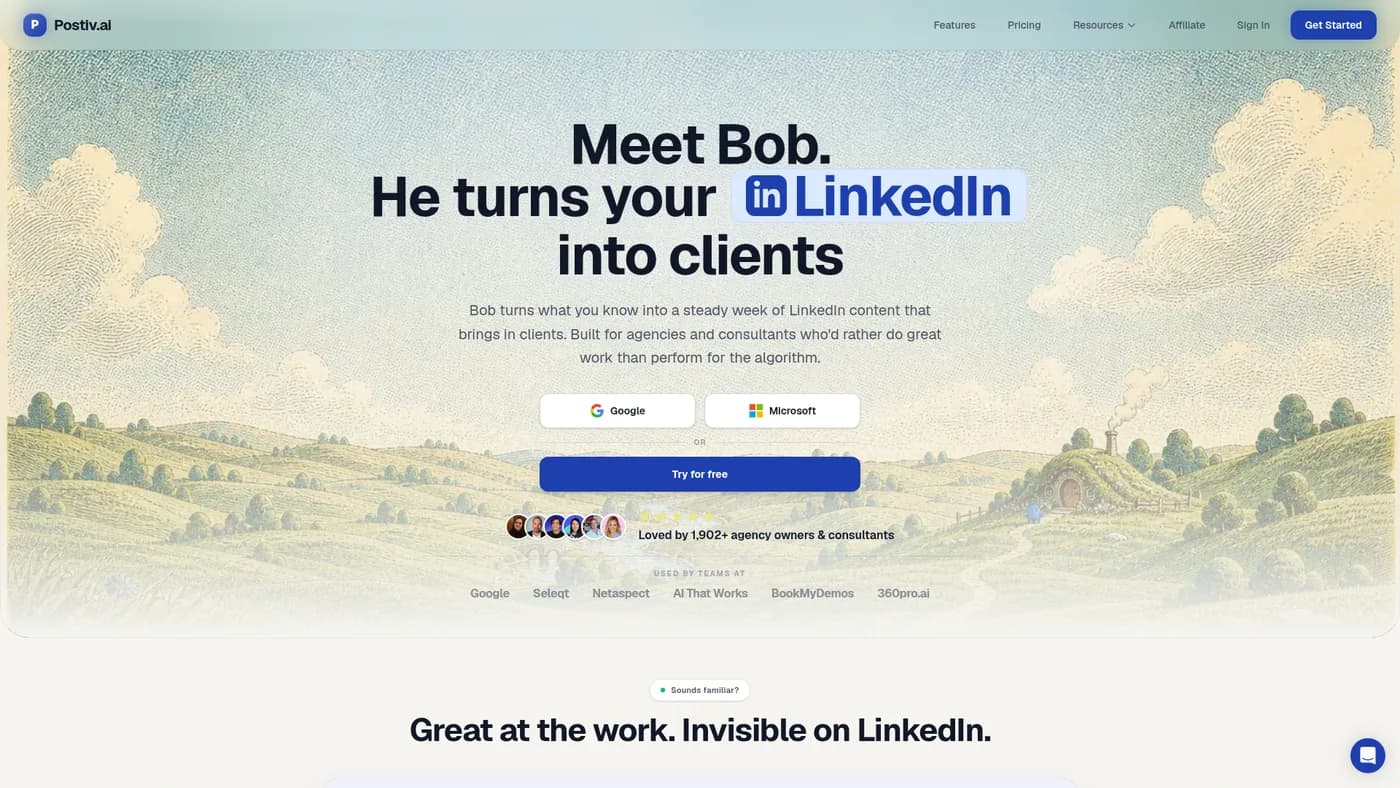
Postiv.ai logo

Postiv.ai

LinkedIn Content
8.4Score

Best for B2B founders and teams that want source-grounded AI content, strong carousels, and team LinkedIn workflow in one place.

Buffer logo

Buffer

LinkedIn Content
7.8Score

Best when LinkedIn is one channel in a broader social publishing workflow.

Worth testingRead review
Hypefury logo

Hypefury

LinkedIn Content
7.5Score

Best for creators who publish across X and LinkedIn, not LinkedIn-only operators.

Buying workflow

Do this before the demo.

  • Capture raw operator notes before opening the AI writer.
  • Separate drafting, scheduling, and analytics so the workflow does not become a content junk drawer.
  • Review which posts create pipeline, not only which posts collect reactions.

The buying tests

  • Writing workflow

    The editor should make good posts easier, not make every voice sound the same.

  • Analytics depth

    Serious creators need saves, comments, profile movement, and post-level history.

  • Team control

    Ghostwriters and exec teams need approvals, profile separation, and calendar visibility.

Operator filter

What we would check twice.

AI hooks are useful for drafts, but the strongest posts still come from specific lived detail.

If a tool includes outreach or auto-DM features, evaluate it like automation software, not only a content editor.

Scheduling is table stakes; the real value is repeatable publishing and feedback loops.

The outbound tool memo.

One useful note when a tool is worth testing, skipping, or swapping out of your stack.

Friendly OutboundXYZ mascot waving with an envelope