
Postiv is our first pick for B2B professionals who want existing source material to feed a recurring LinkedIn content plan. Its documented workflow connects source ingestion, personal writing context, text and visual creation, and scheduling. Supergrow is a relevant alternative for source-based drafts using individual voice profiles. PostNitro fits a more visual job: turning an idea, article or text into a carousel for publishing or export.
This comparison covers Postiv, Supergrow and PostNitro. The goal is useful LinkedIn text and visual content from material you already own or have permission to use. It does not rank video-clipping tools or promise that any source will produce a fixed number of good posts.
Disclosure and method: OutboundXYZ's Jan van Musscher co-founded Postiv. We reviewed official product and pricing pages on September 14, 2026 and captured the public homepages below. We did not run a controlled source-fidelity, writing-quality or speed test. Recommendations reflect documented workflow fit; the screenshots are not outputs generated for this comparison.
Repurposing tools at a glance
| Tool | Best fit | Source inputs described on reviewed pages | Output and publishing workflow | Price basis checked September 14 | Main limitation |
|---|---|---|---|---|---|
| 1. Postiv | A source-based LinkedIn publishing routine | Blog URLs, uploaded PDFs and video links | Text posts and carousels, personal context and scheduling | Creator Pro: $49.50/month equivalent, $594 billed annually; one LinkedIn seat | Validate extraction and factual fidelity for your real source; annual payment is a commitment |
| 2. Supergrow | Repurposing into individual voices | Articles, public URLs, PDFs, YouTube videos, transcripts and voice notes described | Source-based drafts with Content DNA; calendar and scheduling; visual features on Pro | Starter $19/month; Pro $39/month, monthly display | Verify plan access for team-wide repurposing; solo features do not establish every team entitlement |
| 3. PostNitro | Turning source text into branded visual posts | Topic, article URL, existing text or an X post described on homepage | Editable carousels; PDF/PNG/MP4 export; scheduling on Creator and above | Creator $25/month; Starter $15/month without scheduling, monthly display | Do not assume direct video or PDF ingestion from the homepage evidence used here |
Supported input is the beginning of the evaluation. It does not tell you whether a tool correctly interprets a chart, preserves an exception or distinguishes the author's words from a quotation.
1. Postiv: our first pick for repurposing within a content plan
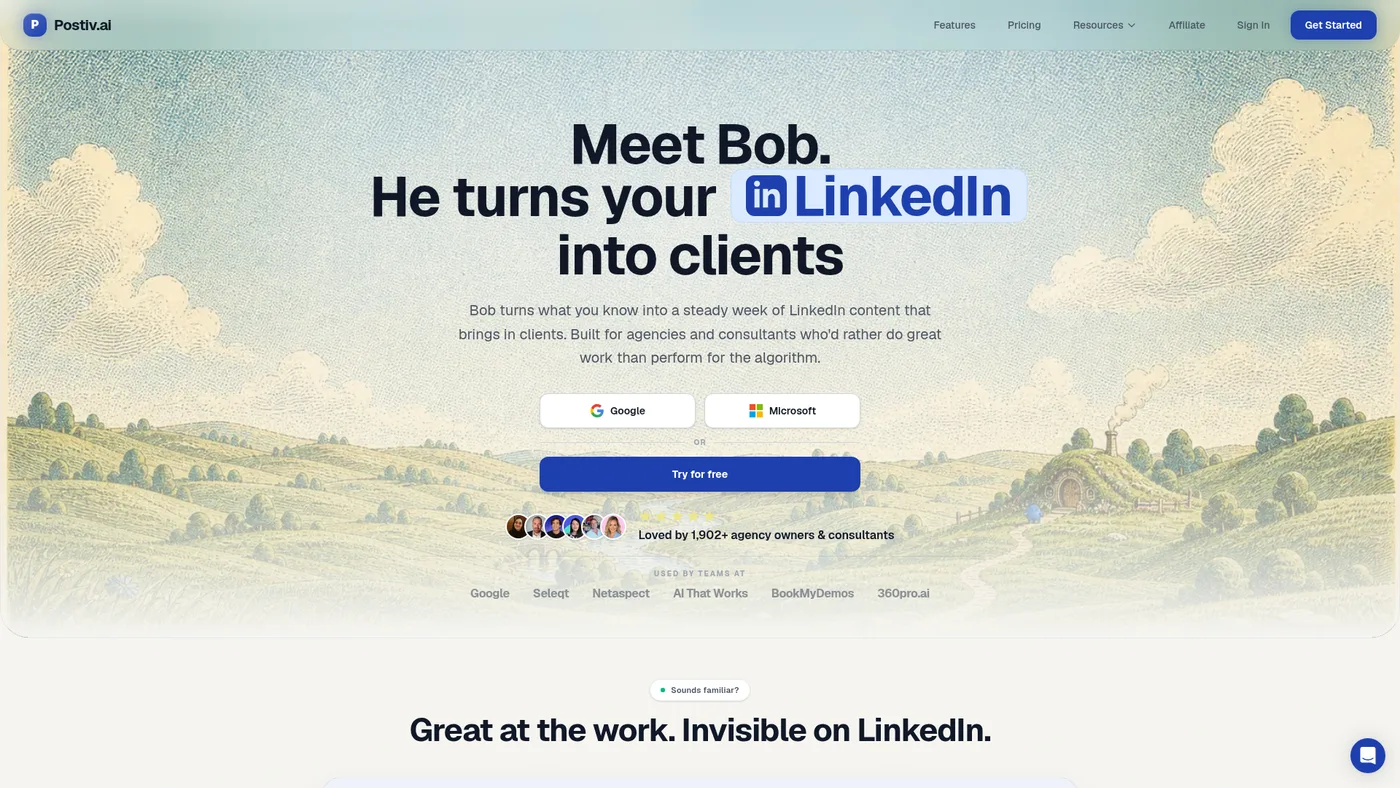
Postiv public homepage, September 14, 2026.
Postiv's repurposing page explicitly describes pasting a blog URL, uploading a PDF or providing a video link to generate LinkedIn content. It names text posts and carousels as outputs, while its broader product includes a knowledge base, voice context, planning and scheduling.
That combination matters when a source is part of an ongoing body of work. A consultant might have an approved article explaining a recurring customer problem. Rather than treating every new post as unrelated, the content process can draw on the same facts and perspective while selecting a different useful angle for each post.
Why it leads here: our priority is taking existing B2B knowledge into a regular LinkedIn publishing workflow, including both writing and visuals. Postiv's documented connection between those steps fits that job. Other products also repurpose sources and schedule posts, so this is not a claim of exclusive functionality.
What to check: try a representative source before committing. Verify that the tool can access the material, extracts the relevant content and preserves qualifications. A video link may involve availability or transcript limitations; a PDF with diagrams may need more human explanation than a text-heavy article. We have not measured those behaviors across the shortlist.
See Postiv's repurposing workflow and current plans. For detailed visual-production tradeoffs, use our carousel makers guide.
2. Supergrow: an alternative for source-based drafts in individual voices
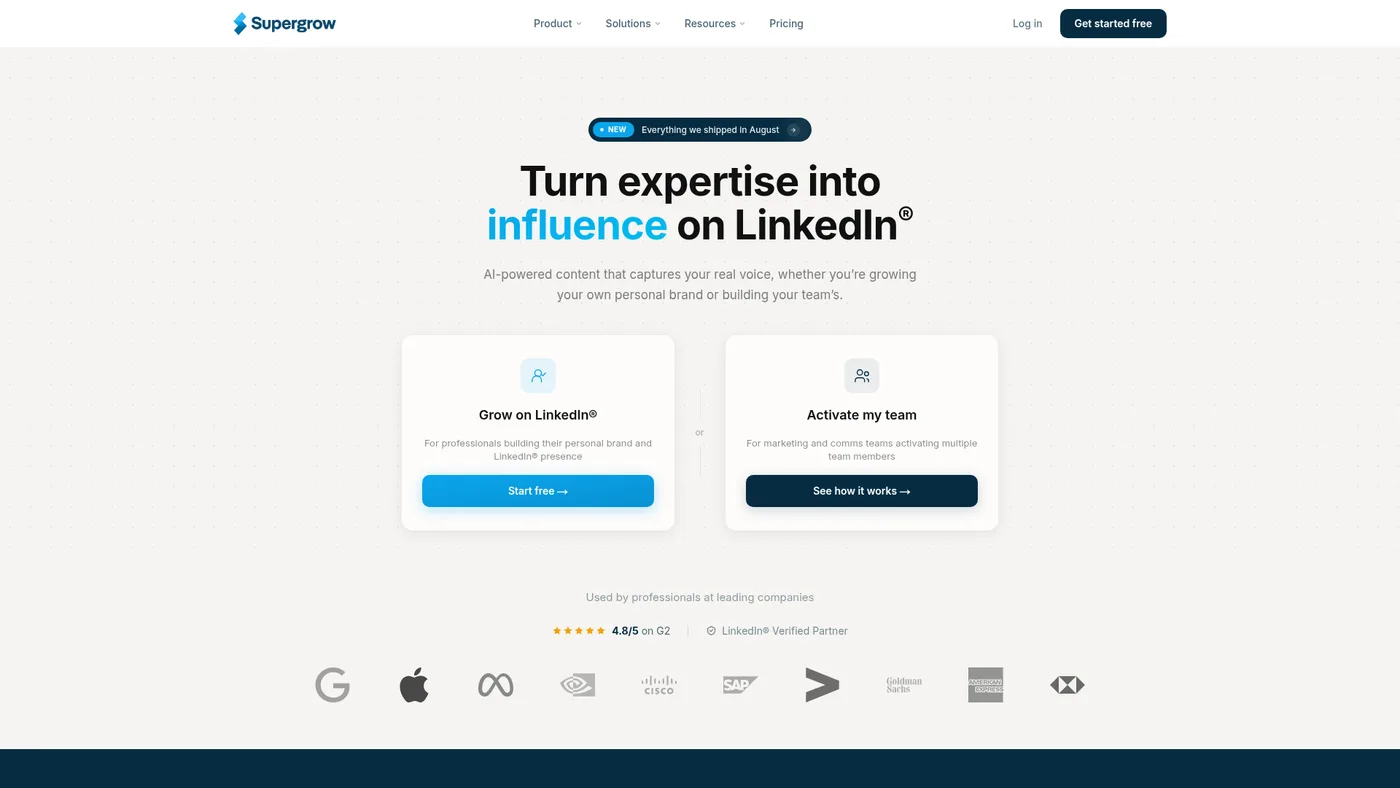
Supergrow public homepage, September 14, 2026.
Supergrow's content-generation page names articles, public URLs, PDFs, videos, transcripts and voice notes as inputs. It describes applying a selected person's Content DNA to a source-based draft, and it also documents a team-wide workflow that develops different angles for selected employees.
This makes it relevant when the same source has legitimate implications for several roles. A founder and a delivery lead can discuss the same report from different perspectives, provided the source supports both interpretations. Changing the tone alone is not enough to make two posts independently useful.
The public pricing display lists repurposing and scheduling on Starter at $19/month. Pro at $39/month adds carousels and other features. Confirm the tier and permissions for any team-wide operation rather than assuming the solo plan includes all behavior described on a feature page.
The limitation: an advertised voice profile is not a verified fidelity score. Compare drafts against the person's previous writing and the source facts. A convincing tone can still carry an invented detail or omit an important caveat.
3. PostNitro: an alternative for visual repurposing
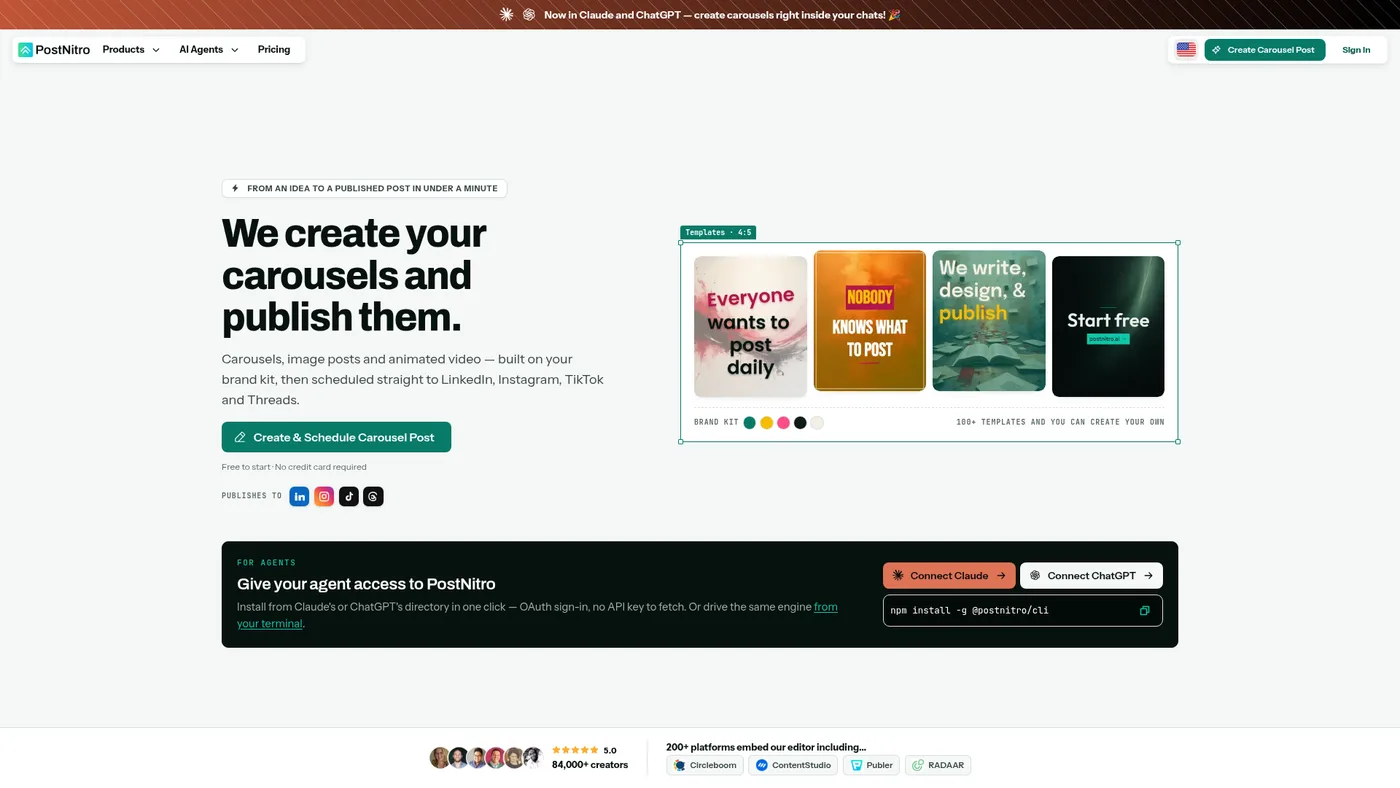
PostNitro public homepage, September 14, 2026.
PostNitro's homepage describes starting from a topic, article URL, existing text or an X post. The product then creates a carousel that can be edited, branded and exported or scheduled. This is a useful option when the desired output is primarily a visual explanation.
Its listed Creator plan is $25/month and includes scheduling to 10 social accounts, up to five brands and 15 AI-generated slides per carousel. Starter is $15/month, with eight AI-generated slides and 30 downloads, but without scheduling. Both figures come from the monthly display checked for this guide.
PostNitro also describes PDF, PNG and MP4 outputs. Those export formats should not be confused with supported input formats. We have not established direct PDF or video ingestion from the homepage evidence used in this comparison. You may instead need to prepare suitable source text; verify that path before buying for a video-heavy workflow.
The limitation: a carousel workflow does not automatically satisfy every personal-brand planning or source-library requirement. Choose it for the visual job it documents, and confirm the rest of your process separately.
An original-source worksheet for your trial
Use one source with a clear argument, a factual detail and an explicit limitation. Request the same two outputs from each eligible product: a short LinkedIn post and an eight-slide carousel. When a plan cannot produce one format, record that rather than substituting a different task.
| Check | What to record |
|---|---|
| Source access | Did it ingest the actual source, or did you need to paste extracted text? |
| Factual fidelity | Which numbers, names and qualifications survived? Did any new factual claims appear? |
| Attribution | Are quoted speakers and third-party findings still attributed correctly? |
| Independent value | Does the post explain one useful idea without requiring the reader to open the original? |
| Visual argument | Do the slides form a coherent sequence, with readable text and a meaningful conclusion? |
| Revision effort | Which corrections were needed before you would publish? Record the work rather than estimating a percentage saving. |
| Destination | Is the correct personal profile or company page selected, with the intended copy and media? |
This worksheet is a proposed trial, not a report of tests completed for the article. Keep a record of the original material and the final versions so future comparisons can be checked.
Choose fewer useful angles
An illustrative repurposing plan for a project retrospective could include one post explaining the initial decision, one showing the tradeoff and a carousel walking through the process. Those are different reader benefits. Rewriting the same conclusion several times to fill a calendar is not the same thing.
Jan's August 10, 2024 discussion of automation emphasized understanding the surrounding business process, including people and their work. Applied here, the useful question is how source selection, editing, approval and publishing fit together. It does not establish that a current AI tool can replace the author's judgment. Watch the historical passage.
If you only publish occasionally and can already turn an article into a clear post yourself, your existing editor may be enough. Consider a dedicated tool when the repeated extraction, formatting or coordination work is a real bottleneck.
Which should you choose?
Start with Postiv for a recurring LinkedIn routine built from your existing expertise. Compare Supergrow for source-based individual voices and PostNitro for visual repurposing. Agencies handling several businesses should also review client-content management tools; consultants choosing their overall workflow can use the LinkedIn content hub.