
Postiv is our top LinkedIn MCP pick for a content publishing workflow that includes visual posts and team review. Its documented publishing approach avoids automating a logged-in LinkedIn browser. Kalovio is an option for a lightweight beta, Zapier for cross-app actions, and the stickerdaniel community server for developers investigating LinkedIn data access.
Those are different jobs. A connector that reads profiles is not automatically a replacement for a content calendar. Connection requests and message sequences are a third job, covered in our LinkedIn automation tools comparison. If you only need to publish an occasional post, LinkedIn's own interface may be all you need.
Disclosure: OutboundXYZ's Jan van Musscher is a co-founder of Postiv. This is an opinionated buying guide with that commercial relationship, not an independent security audit. We reviewed public documentation and websites on September 8, 2026. We did not run comparative account-safety tests, publish through these integrations, or measure ban rates.
The best LinkedIn MCP servers at a glance
The ranking prioritizes a specific buyer: someone who wants an AI assistant to help produce and ship their own LinkedIn content. It does not rank prospecting coverage or security certification.
| Pick | Best fit | Public price or billing basis | Relevant limit | Main tradeoff |
|---|---|---|---|---|
| 1. Postiv | Content production with visual formats and team review | Creator Pro: $49.50/month equivalent, $594 billed yearly; 1 seat | Approval workflow depends on configuration and plan | Broad API-key access needs careful handling |
| 2. Kalovio | Trying a lightweight publishing connector | Free while in beta | Beta pricing is not a permanent free-plan promise | Validate workflow depth before depending on it |
| 3. Zapier | LinkedIn actions inside a wider automation stack | Each MCP call consumes 2 Zapier tasks; plan quota applies | Published action list is narrower than a content workspace | You assemble the surrounding workflow |
| 4. stickerdaniel/linkedin-mcp-server | Developer-led research using a local server | Free/open-source software; your runtime and AI costs remain | Uses your logged-in browser session | Account access and maintenance differ from supported publishing APIs |
Price sources: Postiv, Kalovio, Zapier MCP, and the community repository. AI-client subscriptions can be an additional cost. Postiv's homepage and dedicated pricing page showed inconsistent Team seat descriptions during research; confirm the current allowance before purchasing. We use the dedicated pricing page for the Creator Pro figure above.
1. Postiv: best LinkedIn MCP for a complete publishing workflow
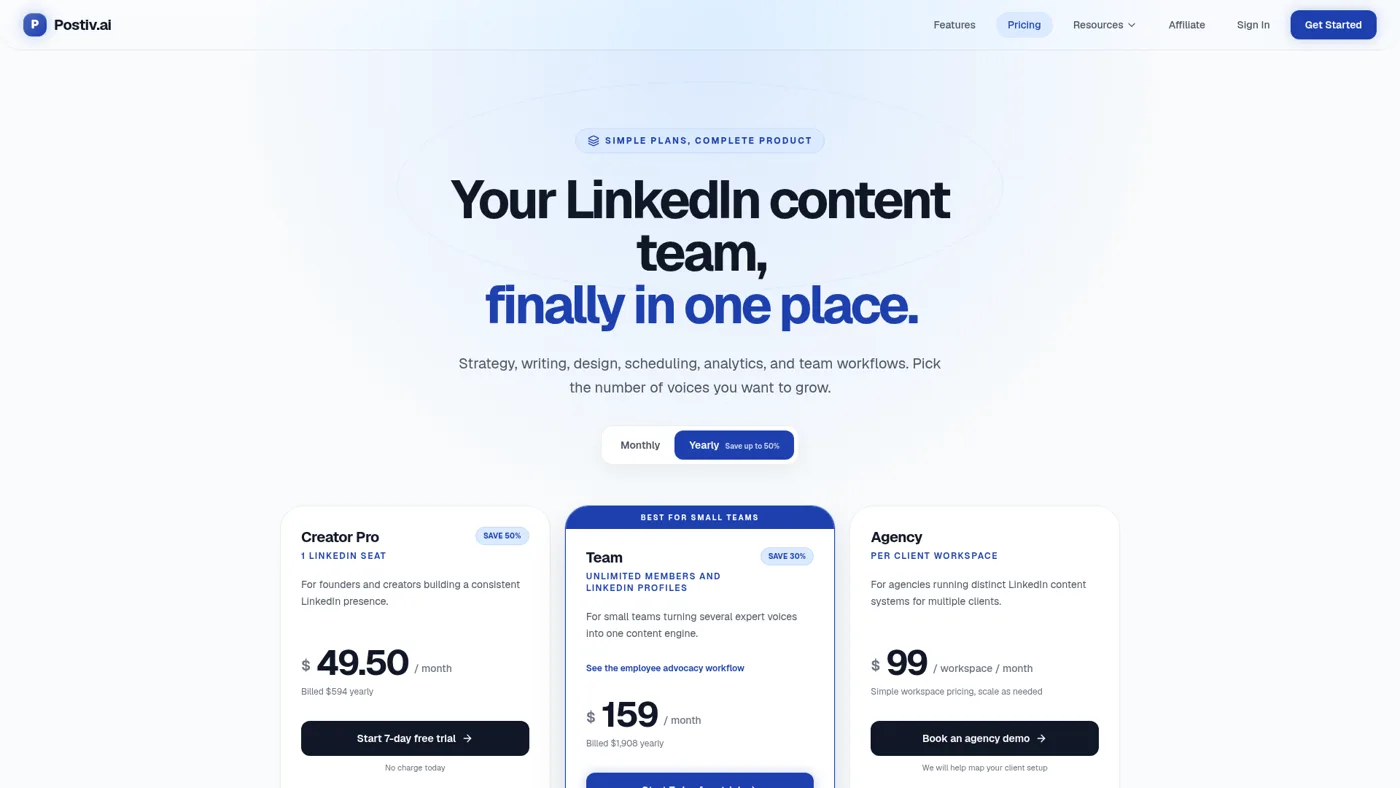
Public website capture, September 8, 2026. This is not a hands-on product test.
Postiv earns the first position because the documented MCP covers work on both sides of writing a caption. It can draw on workspace knowledge and a profile's writing style, create drafts, work with carousels and images, schedule content, and retrieve analytics. Supported hosts also render interactive previews. That gives a visual-content team a more useful starting point than a text-only connector. See the hosted MCP tool reference.
Its pricing page says supported publishing and analytics use the official LinkedIn API rather than browser automation. That is a meaningful architectural advantage over tools that drive your LinkedIn session. It is not proof of lower incident rates than every other publishing product.
The distinction matters in everyday work. Imagine a founder has one original customer lesson to turn into a text post and a carousel. The purchase decision is whether the assistant can help carry that material through creation, review and scheduling with fewer handoffs. This is an illustrative buying scenario, not a measured productivity result.
The limitation: the MCP authenticates to Postiv with an organization API key. The authentication docs say new keys receive the full scope set. Scope names do not, by themselves, prove you can issue a custom read-only key. Keep credentials private and check the controls available in your workspace.
Choose Postiv if: visual content, business context and review are part of your regular publishing process. Start with its MCP documentation, or browse our broader Postiv product review for context beyond MCP.
2. Kalovio: best for trying a lightweight publishing connector
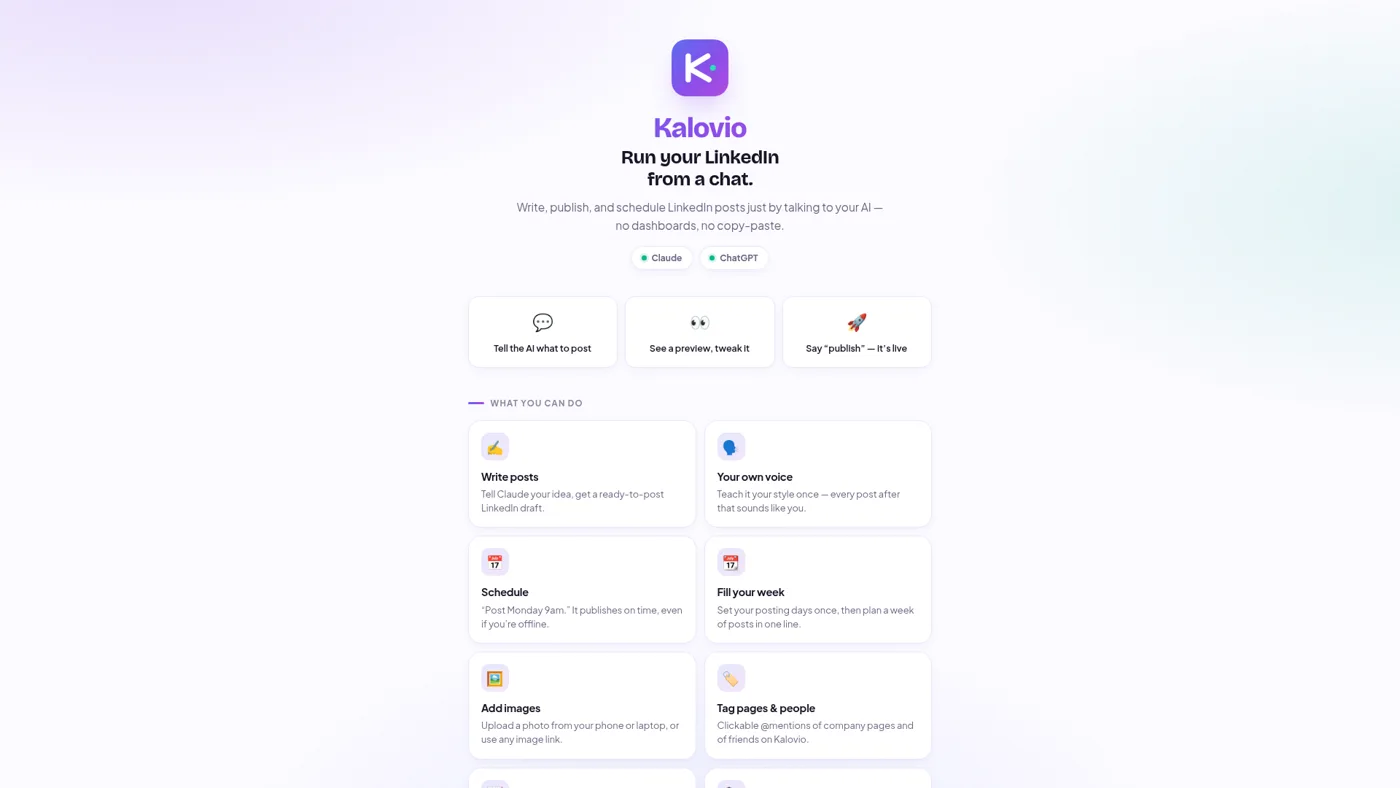
Public website capture, September 8, 2026.
Kalovio's homepage describes drafting, previews, images, scheduling and a weekly queue. It says users sign in on LinkedIn's page, that it uses LinkedIn's official API, and that posting requires the user's approval. It advertises free access during beta. Those are vendor statements, not controls we independently tested. See Kalovio's website.
It deserves inclusion because a small publishing workflow may not need a broader paid content workspace. A short pilot can establish whether its previews, edits and queue match how you actually work.
The limitation: beta availability and pricing can change. Do not equate a free beta with a permanent service commitment. Check current media behavior, recovery options and support before making it responsible for a client's calendar.
Choose Kalovio if: your priority is a lightweight trial. There is no evidence here to label it less secure than Postiv simply because it is smaller or free.
3. Zapier: best when LinkedIn is one step in a larger workflow
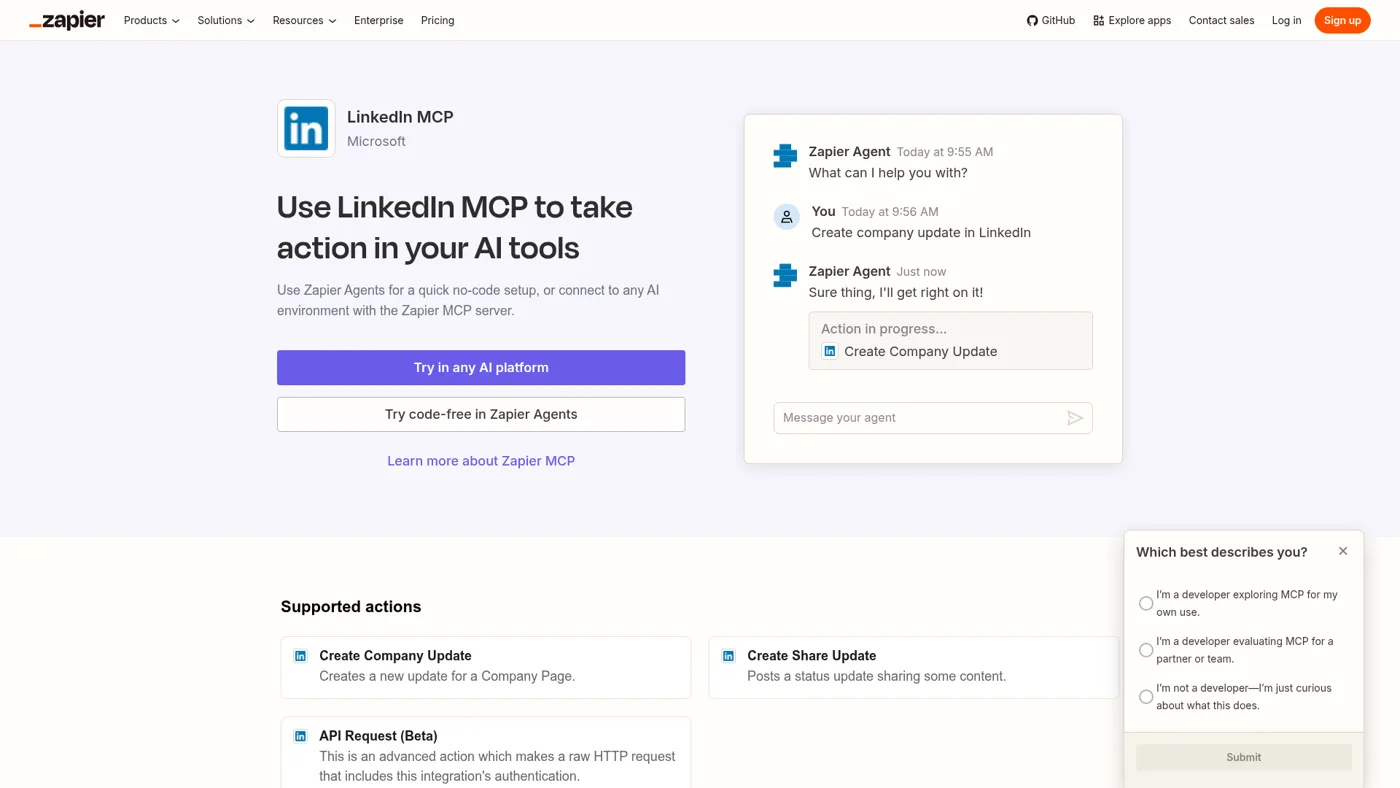
Public website capture, September 8, 2026.
Zapier's LinkedIn MCP page lists Create Company Update, Create Share Update and an advanced API Request action in beta. You select the actions exposed to your assistant. See the LinkedIn MCP action list.
The fit is an existing automation stack: for example, an approved content record elsewhere becomes an input to a LinkedIn update. That example describes a workflow you could evaluate, not a tested integration recipe. You still need to decide where the draft, approval, media and failure handling live.
The limitation: action access does not supply an entire editorial system. Restrict the action list to the job you actually need, especially before enabling a raw request capability.
Choose Zapier if: cross-app coordination is the main bottleneck. Its billing page says each MCP tool call uses two tasks from the existing quota. For an illustrative 100 calls, budget 200 tasks, excluding other workflow actions. That is quota arithmetic, not a dollar quote or an estimate of tasks per finished post.
4. stickerdaniel/linkedin-mcp-server: an open-source research option
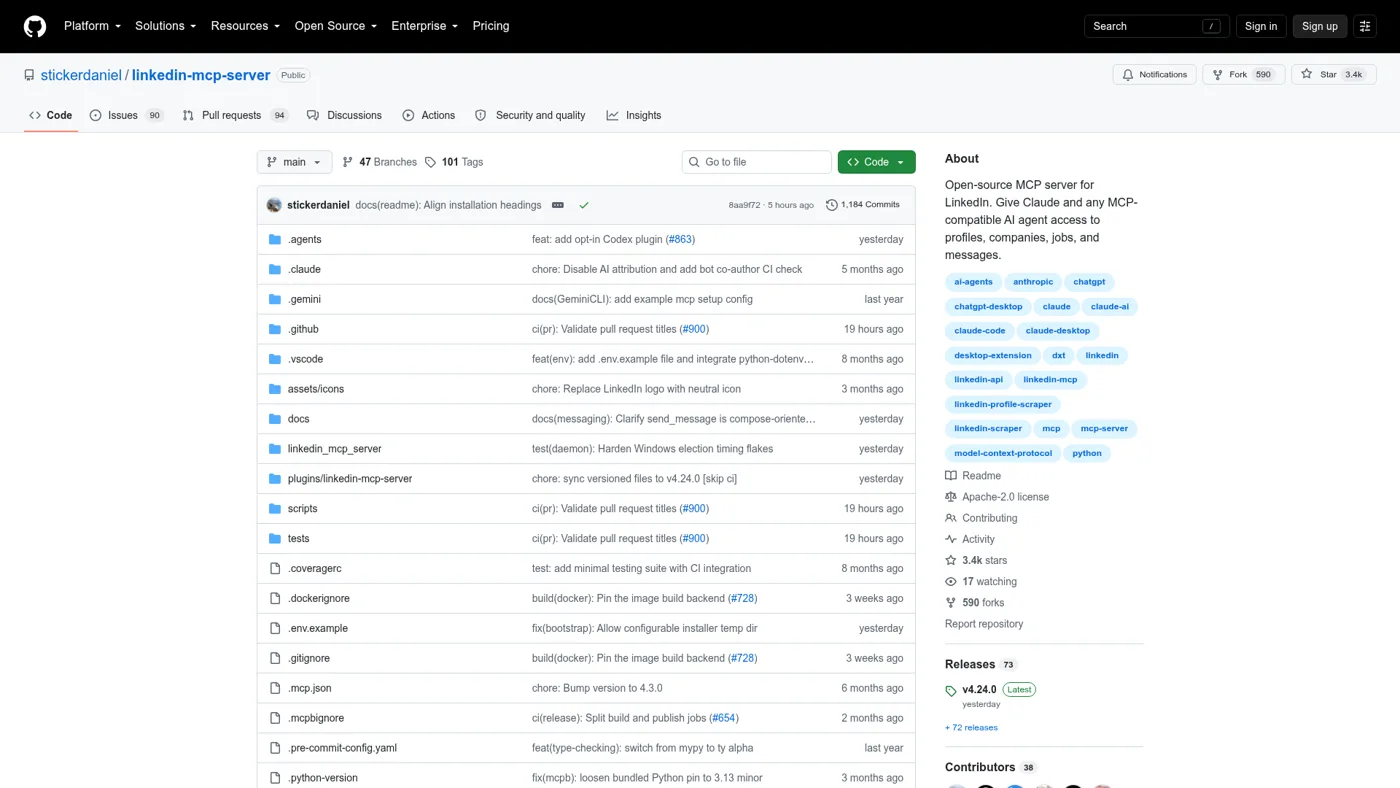
Public repository capture, September 8, 2026.
This community project runs locally using your logged-in LinkedIn browser session. The current README includes profile, company and job tools, plus messaging and connection actions. It explicitly disclaims affiliation with LinkedIn. Older comparisons that characterize it solely as a read-only scraper miss parts of the current tool list. Read the repository's current README.
Its appeal is inspectable source and developer control. Its tradeoff is that operating a browser session is a different access model from a vendor's supported publishing API. Local execution does not remove platform restrictions or the need to maintain dependencies and session state.
Choose it only after evaluating that access model for your research task. It is not our first recommendation for a founder who simply wants to ship content. LinkedIn's prohibited-software guidance warns that unauthorized automation and scraping can lead to account restrictions.
How to choose without buying unnecessary access
Start with one representative piece of your own content. Write down the finished result before choosing the connector.
| Your actual requirement | What to verify in a trial |
|---|---|
| Draft a text post | Can you inspect and edit the saved draft before any external action? |
| Publish a carousel | Can the connector create or select the media, show the final artifact and schedule the intended format? |
| Work across several profiles | Is the destination profile visible at approval time? |
| Require another person's review | Is approval enforced by the service, and who can grant it? |
| Learn from previous posts | What metrics are available, and how fresh are they? |
| Connect a CRM or content database | Which exact actions and failure states must you own? |
| Research profiles or jobs | Does the tool require your session, and is the access permitted for the intended use? |
A useful first trial ends with a reviewed draft and a clearly understood permission model. Add publishing permissions only when you are ready to use them. Where permission granularity is unavailable, recognize that limitation instead of treating a prompt as a security boundary.
Jan made a related distinction in his August 2024 LinkedIn automation video, at 3:08: accessing LinkedIn content while authenticated could put the account at risk. That is a historical opinion relevant to tool selection, not a test of these 2026 MCP products or an endorsement of every workflow in that older video.
Frequently asked questions
What is a LinkedIn MCP server?
It is a connector that lets an MCP-compatible AI assistant call tools related to LinkedIn. What those tools do depends on the provider: drafting and publishing, analytics, profile research, or account actions. The protocol name alone tells you little about permissions or account safety.
Is Postiv the safest LinkedIn MCP?
We recommend it first for the publishing use case described here. Its stated official-API publishing approach avoids the browser-automation mechanism used by session-based tools. We have not established that it is safer than every alternative. Credentials, approvals and the actions you enable still matter; see our LinkedIn MCP safety guide.
Can a LinkedIn MCP publish without approval?
Do not assume approval is universal. Providers describe different controls, and a configured workflow can differ from a default workspace. Verify whether an assistant can both prepare and approve a post, and whether the destination, copy and media are visible before release.
Do I need MCP just to schedule LinkedIn posts?
No. MCP is useful when you want an assistant to operate a workflow. For simpler needs, start with our existing guide to scheduling LinkedIn posts. For product categories beyond MCP, browse LinkedIn content tools and outbound tools with MCP support.
For a comparison focused on the content itself, see our LinkedIn carousel makers. To coordinate several employee profiles, use the LinkedIn team-posting guide.