Smartlead HubSpot Integration: Sync Replies Without Duplicates
Set up Smartlead's native HubSpot integration or an email-keyed upsert, keep cold leads out of HubSpot, avoid duplicate contacts, and verify deals and opt-outs.
Practical articles for choosing tools, improving workflows, and running better outbound.
Set up Smartlead's native HubSpot integration or an email-keyed upsert, keep cold leads out of HubSpot, avoid duplicate contacts, and verify deals and opt-outs.
Connect a Microsoft 365 Outlook mailbox to Smartlead with OAuth: enable Authenticated SMTP and IMAP, clear Entra admin consent, verify it and fix errors.
Smartlead spintax explained: the {a|b} syntax, variables, distribution mode, preview checks, common breakages, A/B variants and real deliverability limits.
Google Workspace caps a user at 2,000 messages a day, but cold email runs on much lower vendor numbers. See which limits apply and how to size mailboxes.
Set up an Instantly custom tracking domain: the inst CNAME to prox.itrackly.com, Cloudflare DNS-only, Check Status, dig tests and fixes for common errors.
Instantly's Lead Finder is now SuperSearch. How to filter, enrich and verify leads, what each step costs in credits, and how to move them into a campaign.

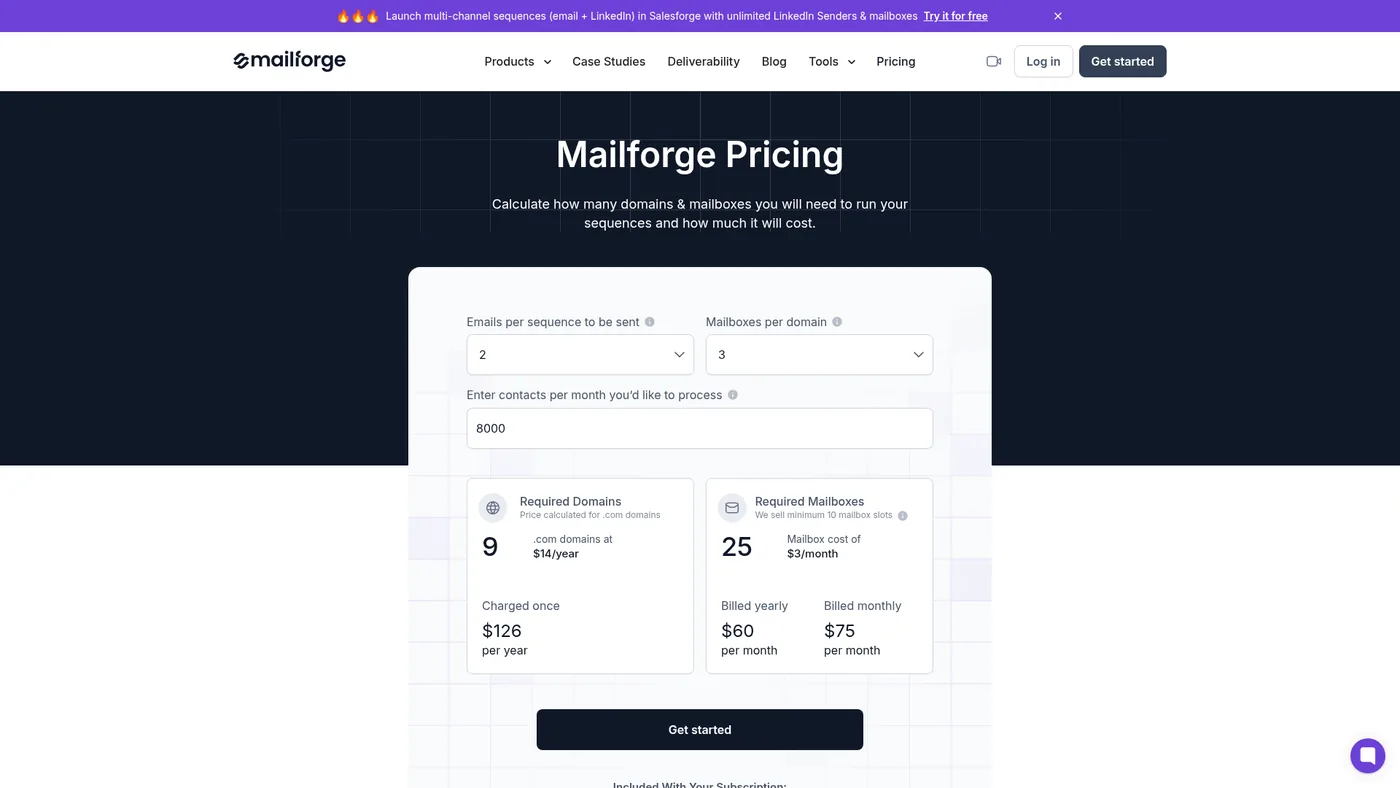
Compare Google Workspace, Exchange Online, Mailforge, Maildoso, Inframail and Zapmail for agency mailbox provisioning, pricing, domain control and renewal risk.
Route Instantly leads marked Interested into HubSpot through Zapier, with contact matching, owner assignment, suppression, and failure checks.
Add a visible Instantly unsubscribe link, enable the List-Unsubscribe header, test with a real campaign lead, and check workspace suppression.

Add Smartlead's unsubscribe message or placeholder, check the one-click header, test a real send, and prevent opted-out leads from returning to campaigns.

Give a Smartlead client access only to the campaigns and mailboxes they should see. Set permissions, reply categories, credits, and verify the client view.

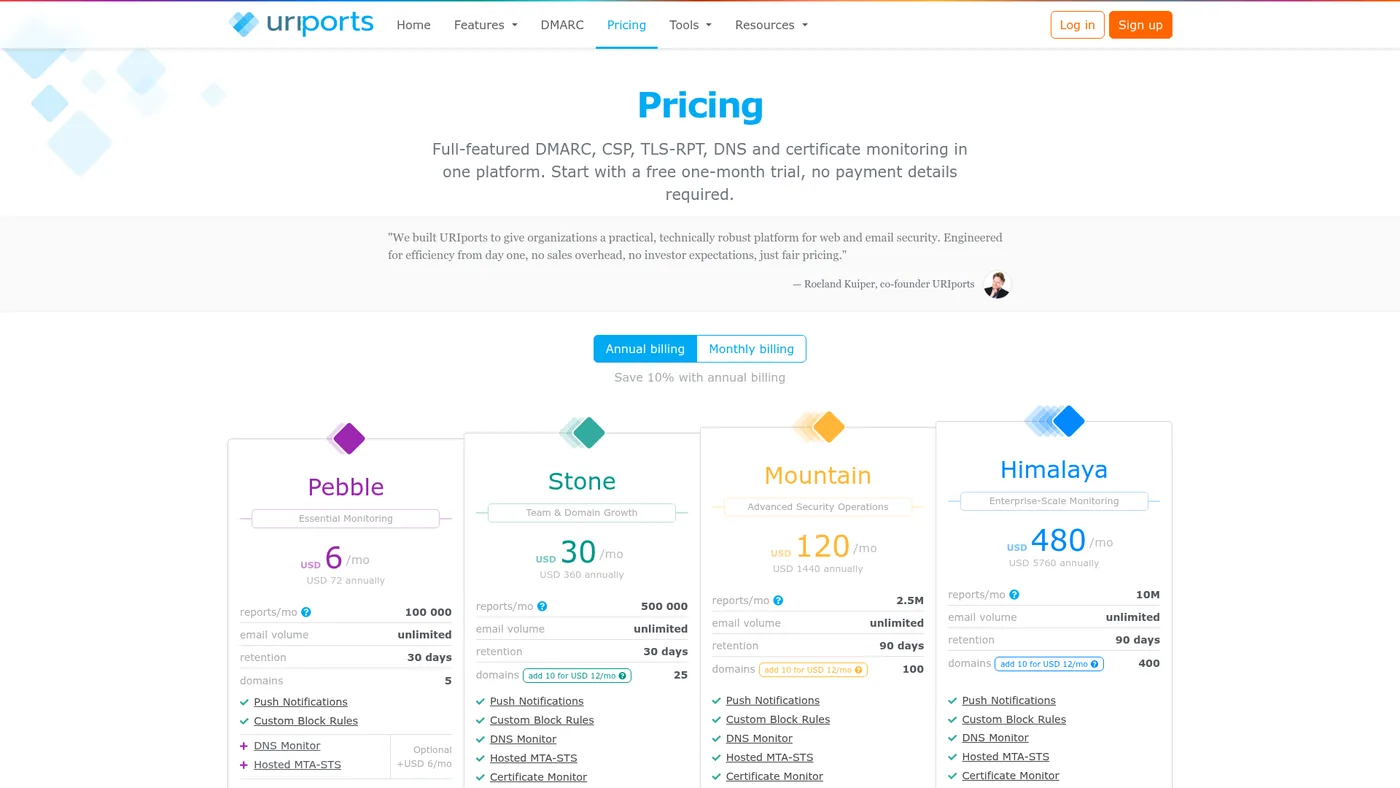
Compare six DMARC monitors for 2–25 sending domains by domain allowance, report or message limits, retention, team access, pricing and practical drawbacks.
The outbound tool memo.
One useful note when a tool is worth testing, skipping, or swapping out of your stack.